
Free PDF Maker for Teachers — Create & Edit Worksheets Online
Make worksheets, flashcards, charts, planners and certificates in your browser, edit any PDF you already have, and export a print-ready file. No software to install and no watermark.
How to make a PDF online in 3 steps
- 1
Pick a start
Choose a ready-made education template, a worksheet or flashcard layout, or a blank page. Or upload a PDF you want to change.
- 2
Edit on screen
Click to type, drag things into place, add pictures, lines and boxes. The page snaps into neat alignment as you go.
- 3
Export the PDF
Download a clean PDF in A4 or US Letter to print, email or upload to your class page. Sign in only if you want it saved for next time.
Choose what you want to make
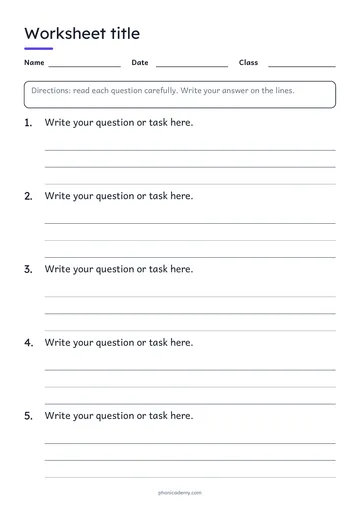
Worksheet maker
Build a worksheet for tomorrow's lesson in a few minutes.
Learn more →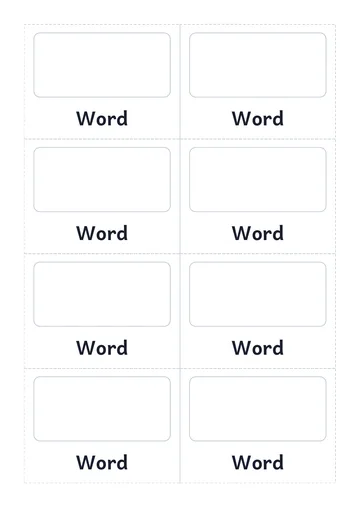
Flashcard maker
Make flashcards for sounds, sight words, vocabulary or math facts.
Learn more →Edit PDF online
Got a worksheet, form or printable you need to personalise? Upload the PDF, type on top of it, add pictures or boxes, and export a new copy.
Learn more →Start from a free editable template
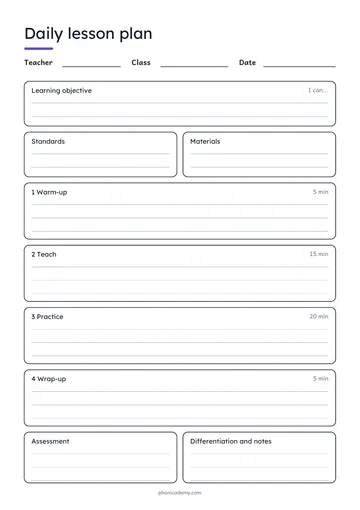
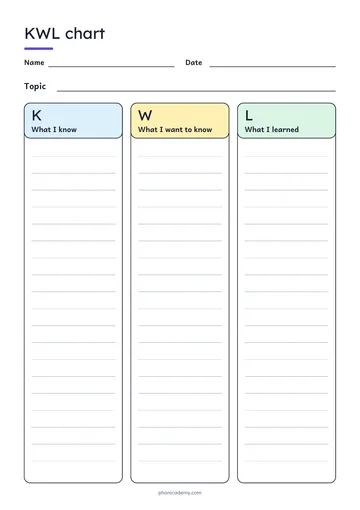
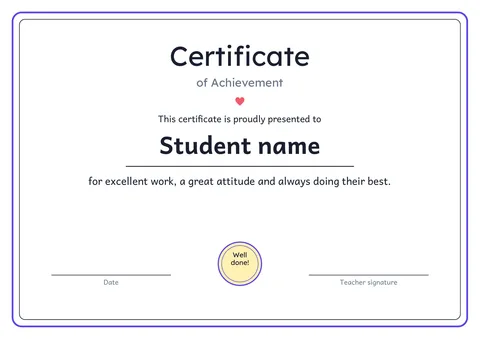
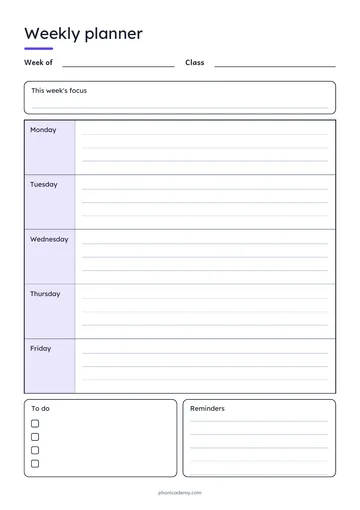
Every template opens in the editor, ready to type into. Change anything, then export your own PDF.
What the free PDF maker does
Worksheets and flashcards
Name-and-date lines, answer boxes, picture cards with cut lines. Start from a layout and change the words.
Templates for the whole classroom
Lesson plans, planners, graphic organizers, rubrics, attendance sheets and certificates, all editable.
Edit a PDF you already have
Upload a PDF and add text, answers, names or notes on top. Great for forms and worksheets you downloaded.
Print-ready every time
Choose A4 or US Letter, keep safe margins, and use ink-saver colors when you need to print a lot.
Saved in My PDFs
Keep your designs in one list. Open one next week, change the date, export again.
Made by phonics teachers
Built for the way classrooms work: big readable type, clear lines for young writers, cut lines for cards.
Frequently asked questions
Is it really free?+
Yes. Creating, editing and exporting PDFs is free. You can start editing and download the PDF without an account. Sign in with an email address or Google only when you want to save your design to My PDFs and open it again later.
Do I need to install anything?+
No. It runs in your web browser on a computer or tablet. Nothing to download, and the PDFs you export are normal files you own.
What can I make with it?+
Worksheets, flashcards, tracing sheets, mini books, sound mats, lesson plans, planners, graphic organizers, rubrics, attendance sheets, name tags, newsletters and certificates. If you can lay it out on a page, you can make it.
Can I edit a PDF I did not make here?+
Yes. Upload the PDF and add text, answers, names or pictures on top of it. See the guide to editing a PDF online for the steps.
Which paper sizes are supported?+
A4 and US Letter, portrait or landscape.
Is the PDF watermarked?+
No. What you design is what you export.
Create, edit & export PDFs online — free
Make your own worksheets, flashcards and charts in your browser, or open any PDF and add text, answers and names. Print or share the result.
Free · No sign-up to try · Sign in only to save
Looking for step-by-step phonics lessons? Try the free online lessons.
- Start from a template or a blank page
- Edit any PDF: add text, answers and names
- Export a print-ready PDF, free