
Edit a PDF Online for Free — Add Text, Names and Answers
Got a worksheet, form or printable you need to personalise? Upload the PDF, type on top of it, add pictures or boxes, and export a new copy. Your original file is never changed.
How it works: edit pdf online in 3 steps
- 1
Upload your PDF
Open the PDF editor and choose your file. Each page appears as a background you can work on.
- 2
Add what you need
Click anywhere to type text. Add names, answers, check marks, lines, boxes and pictures, and move them into place.
- 3
Export a new PDF
Download the edited file. The original stays as it was, and your edits are saved so you can come back.
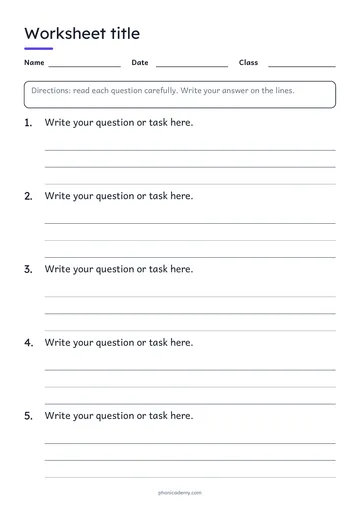
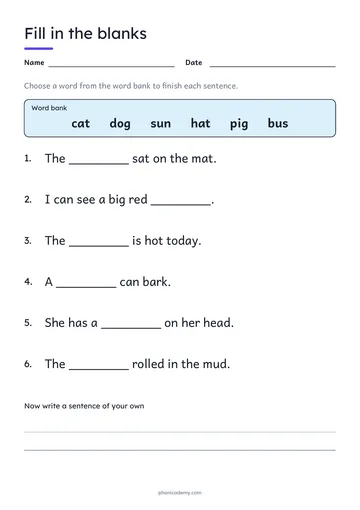
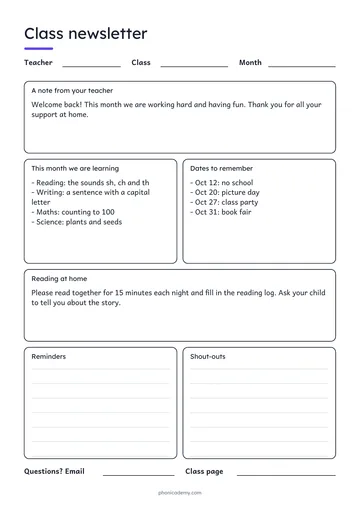
Start from a free template
Why teachers use it
Add text anywhere
Type names, dates, answers or notes in any font size and color.
Pictures, lines and boxes
Cover, label or decorate with shapes and images from the library or your computer.
Fill in the same file many times
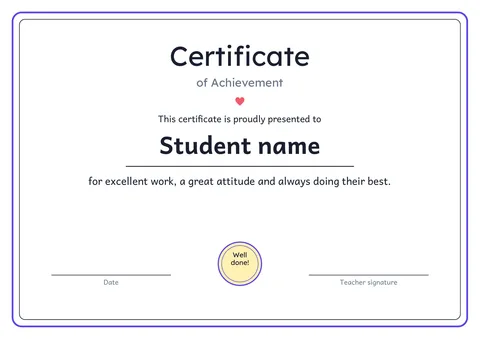
Duplicate the page and personalise it per child, for example a certificate with each name.
Your file stays yours
Exports are standard PDFs with no watermark.
Frequently asked questions
Is it really free?+
Yes. Creating, editing and exporting PDFs is free. You can start editing and download the PDF without an account. Sign in with an email address or Google only when you want to save your design to My PDFs and open it again later.
Do I need to install anything?+
No. It runs in your web browser on a computer or tablet. Nothing to download, and the PDFs you export are normal files you own.
Can I change the existing text inside the PDF?+
The editor adds new text, boxes and pictures on top of the page. For existing text, cover it with a white box and type the new words over it. If you have the original document, editing there gives cleaner results.
Does it work for scanned PDFs?+
Yes for adding text, names and answers on top. Scanned pages are treated as pictures, so existing words in the scan cannot be edited.
Is my PDF private?+
Until you sign in, your file never leaves your browser. If you save it, it sits in your own account and is not shared with anyone unless you choose to share it.
Create, edit & export PDFs online — free
Make your own worksheets, flashcards and charts in your browser, or open any PDF and add text, answers and names. Print or share the result.
Free · No sign-up to try · Sign in only to save
Looking for step-by-step phonics lessons? Try the free online lessons.
- Start from a template or a blank page
- Edit any PDF: add text, answers and names
- Export a print-ready PDF, free